Share the mirror link with those who cannot access this site: https://storage.googleapis.com/amnezia/amnezia.org

How to run your VPN
Three simple steps to create your own VPN on a virtual server
If you received the key through the Amnezia Free or Amnezia Premium service, you do not need to buy a server. Open the file using the Amnezia app.
1
Buy a server (VPS), if you don't have one
You can choose any VPS provider you like. Minimum system requirements:
- Operating system — Ubuntu 22.04 or Debian 11
- Processor architecture — x86-64
- Virtualization — KVM
- Public IPv4 address
- At least 1 GB of RAM
- No pre-installed software or control panel required
we recommendfrom $4.7/mo
Amnezia Hosting
Servers for a self-hosted VPN without complex setup. Secure payment with Russian and international cards
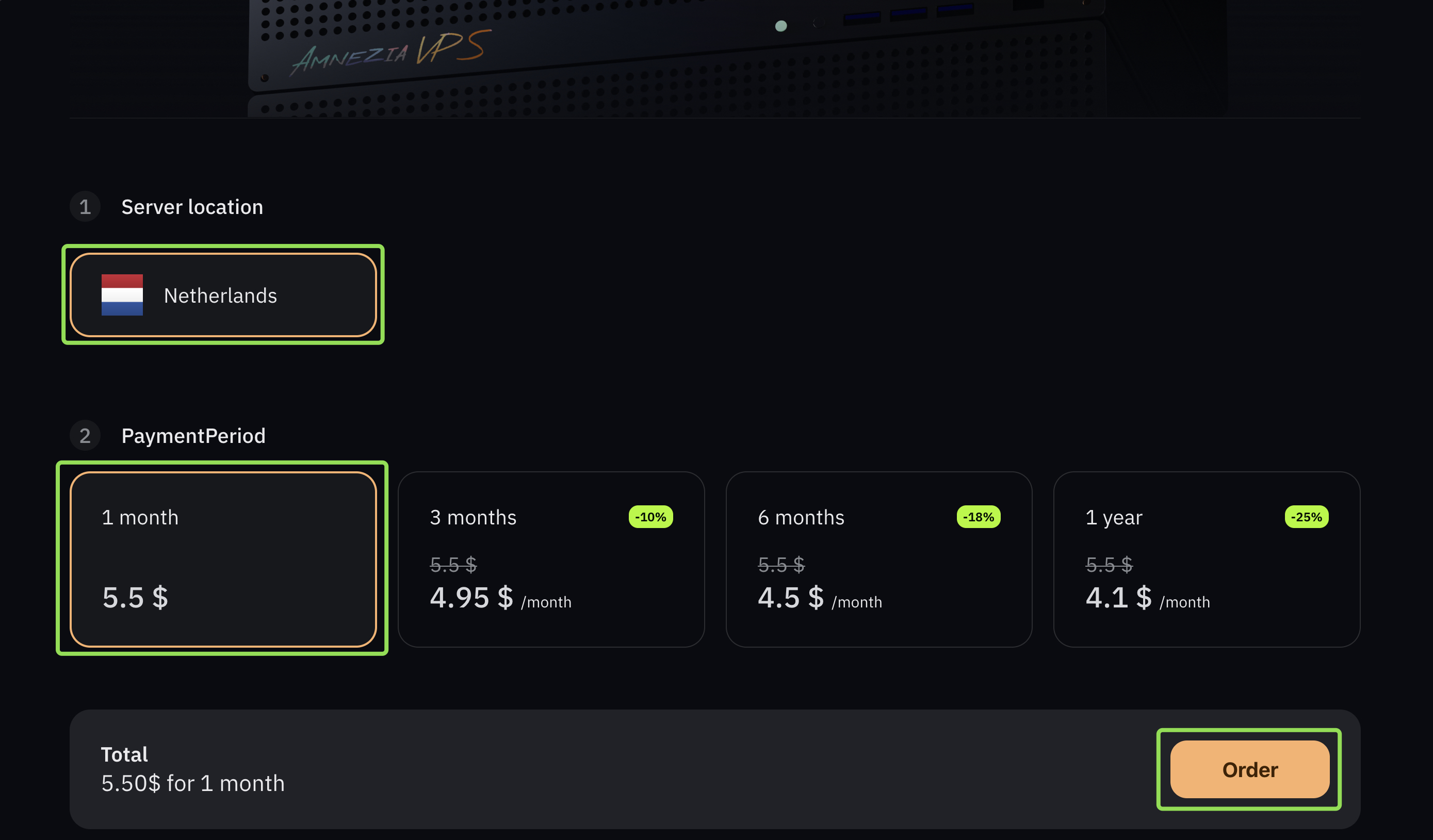
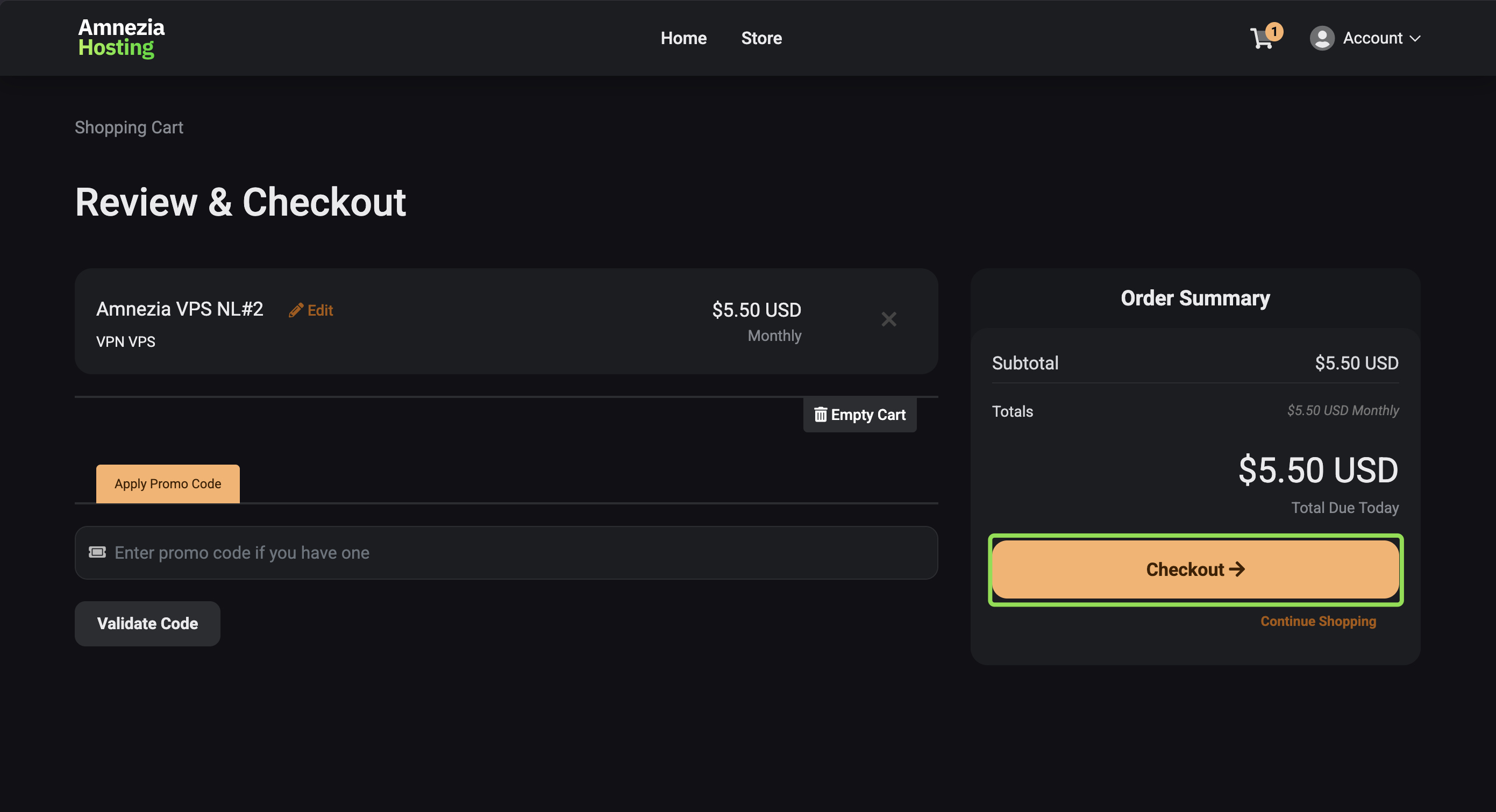
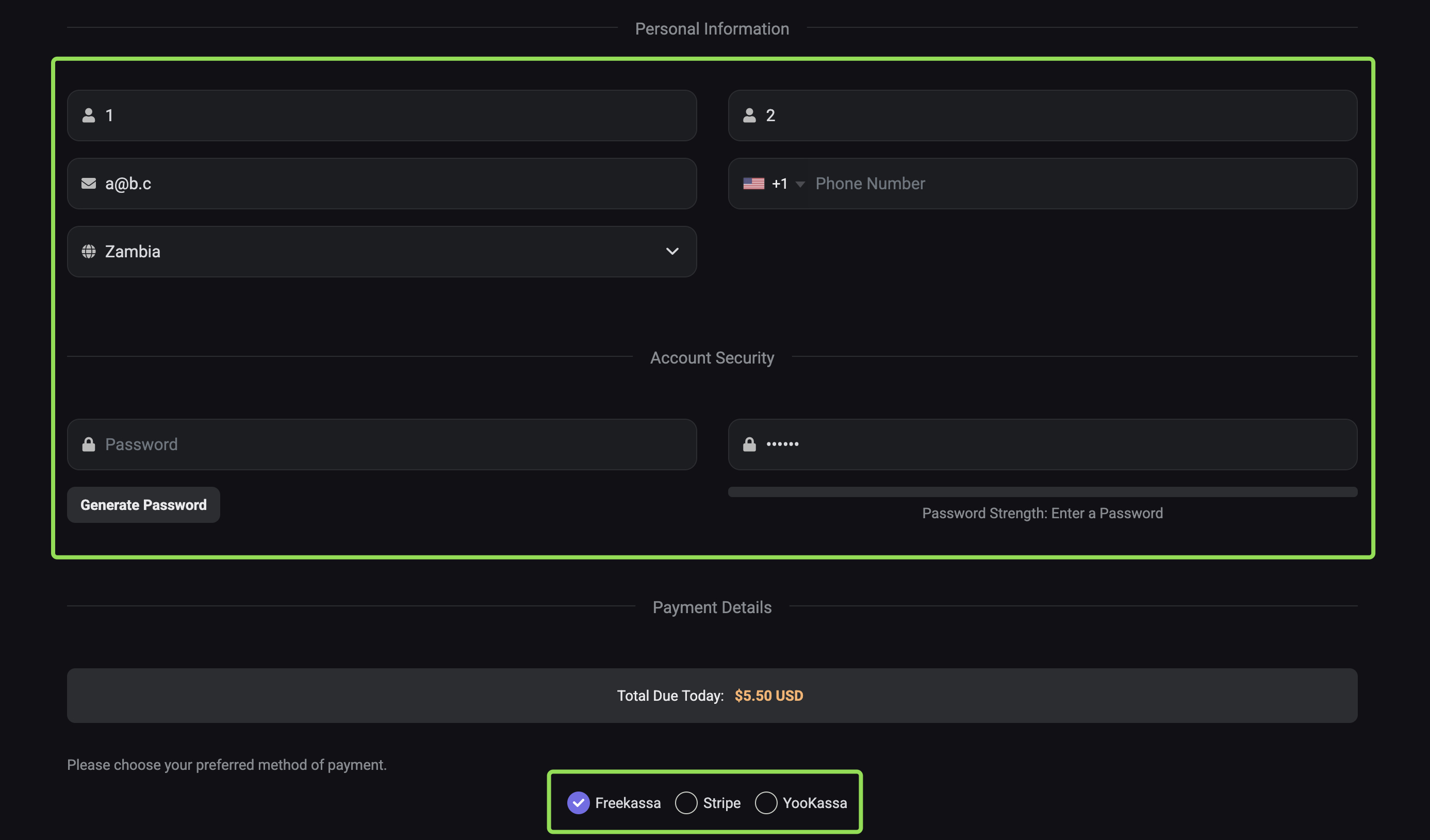
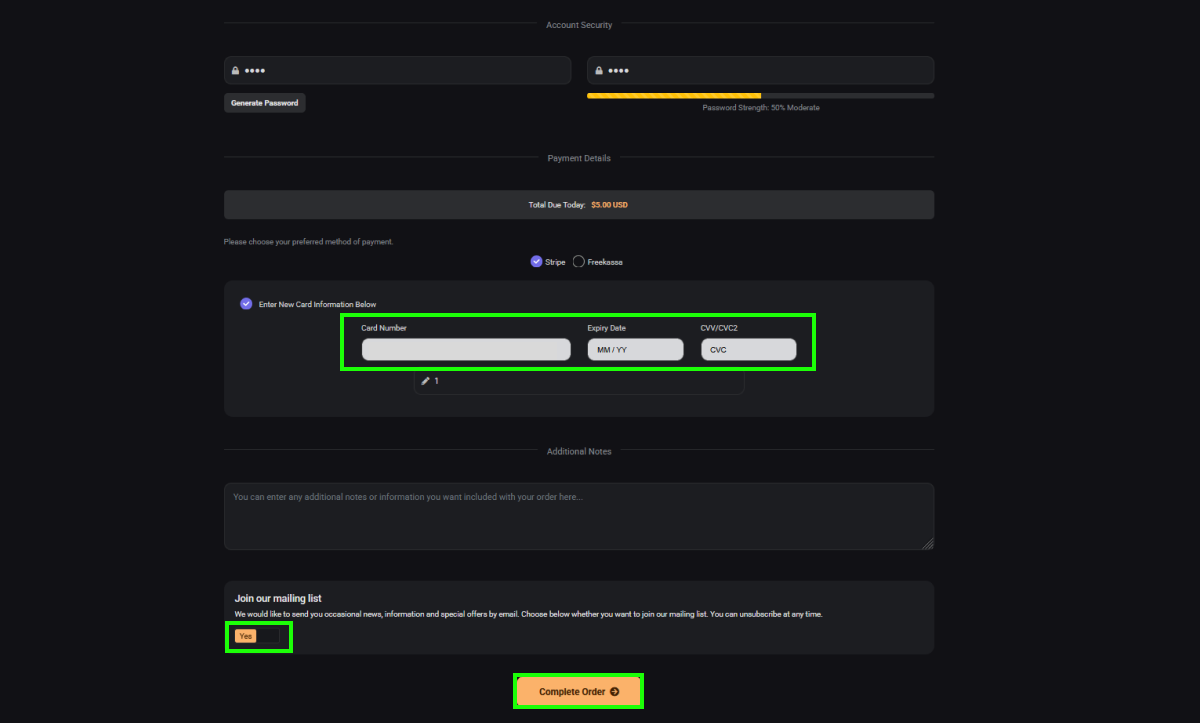
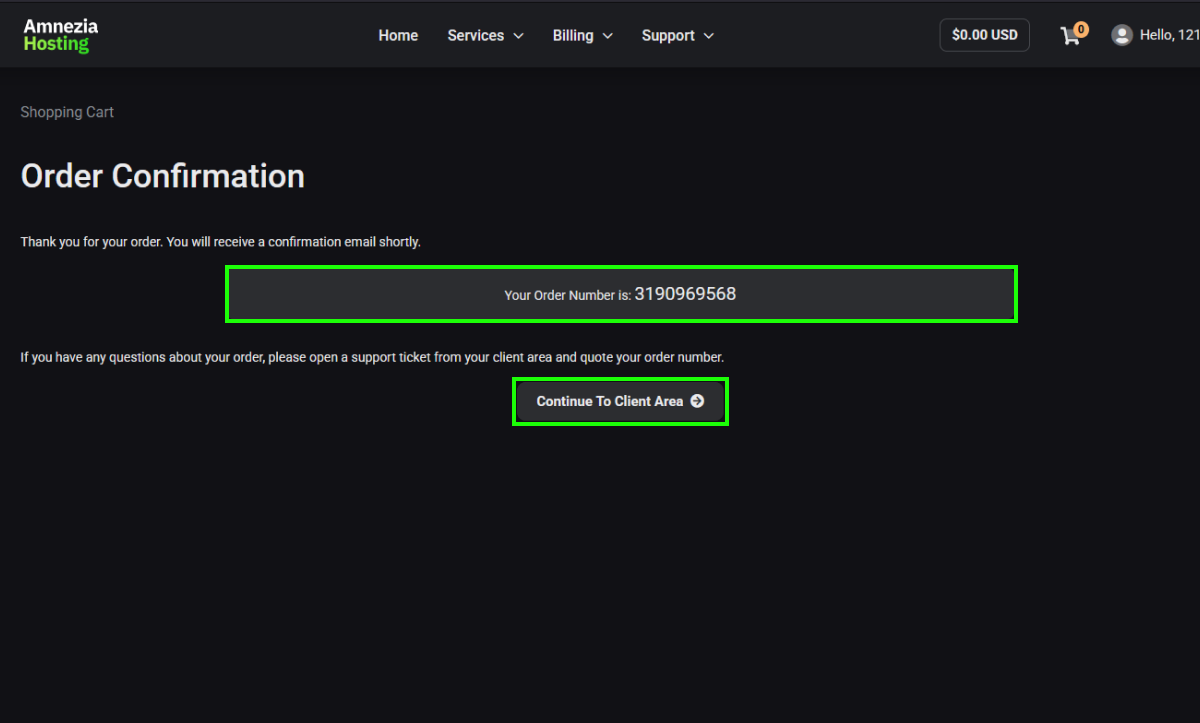
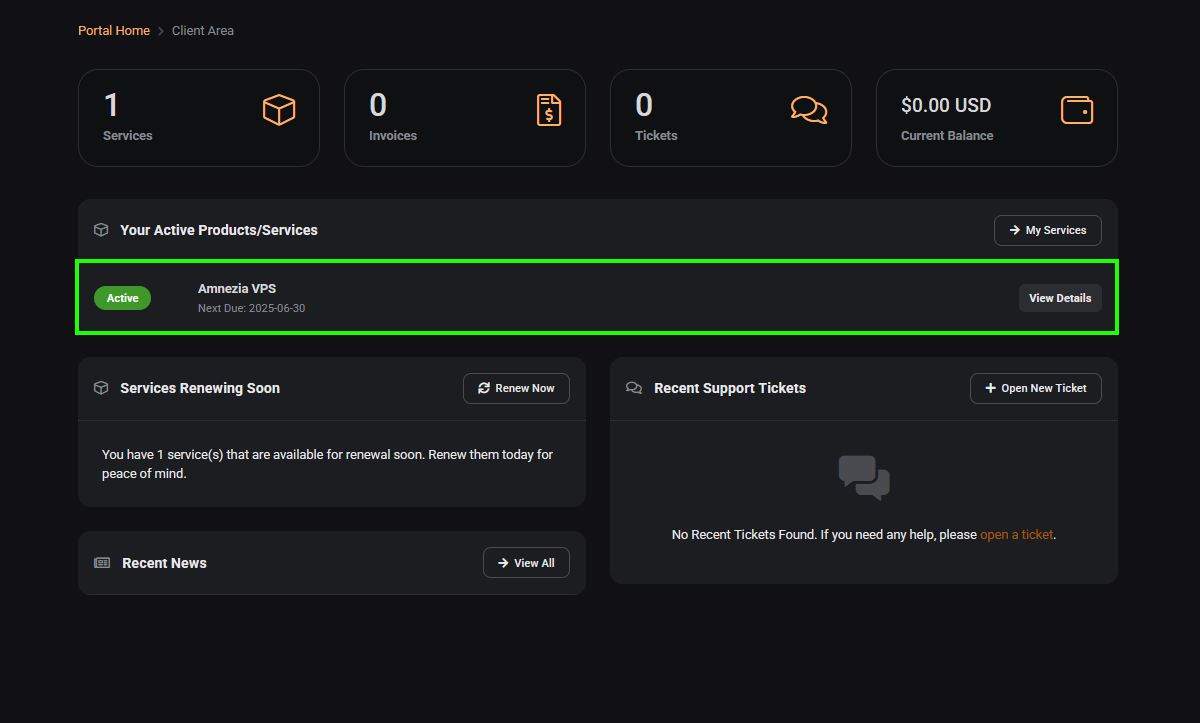
Choose the server location and the billing period, then click “Order server”.
2
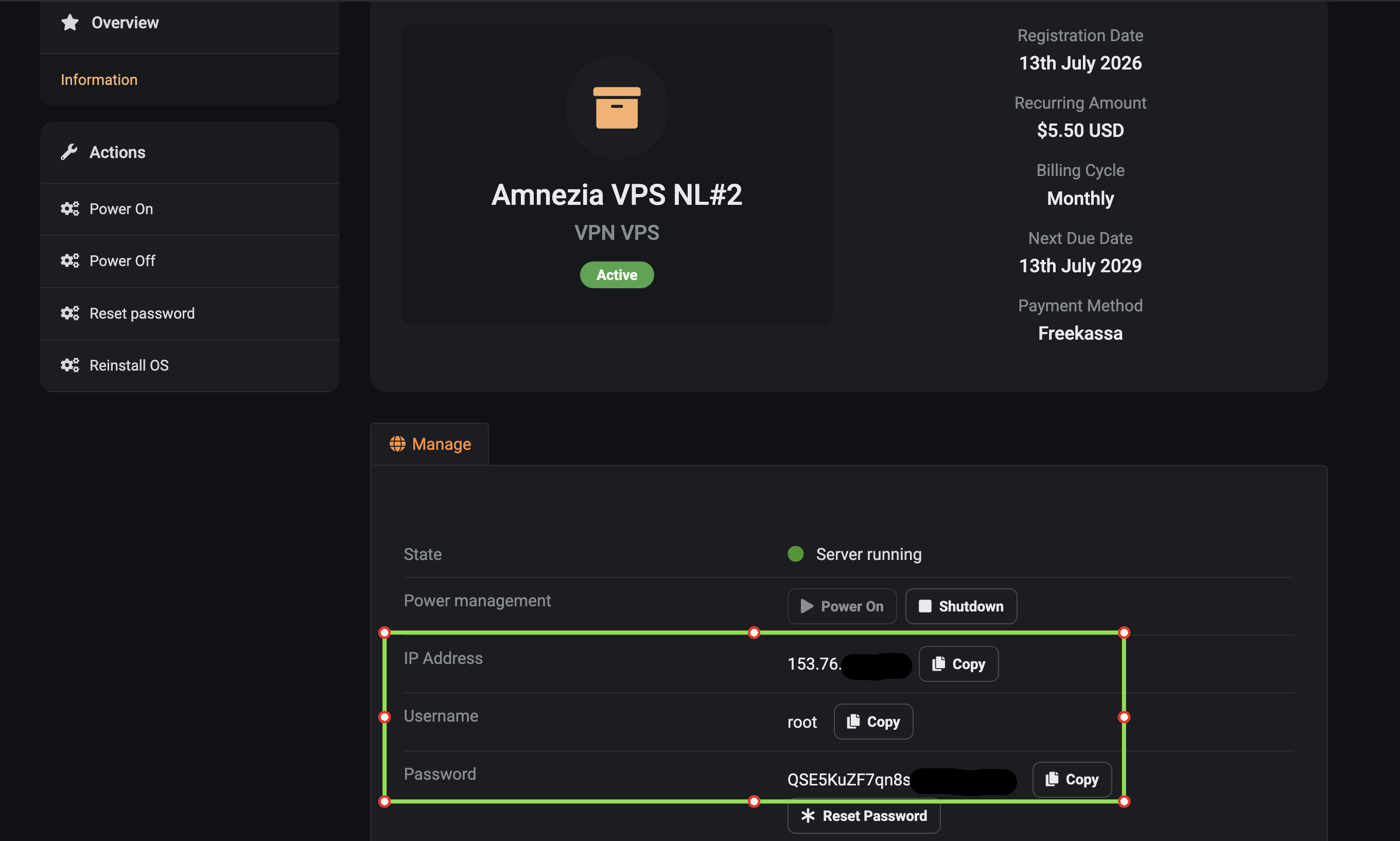
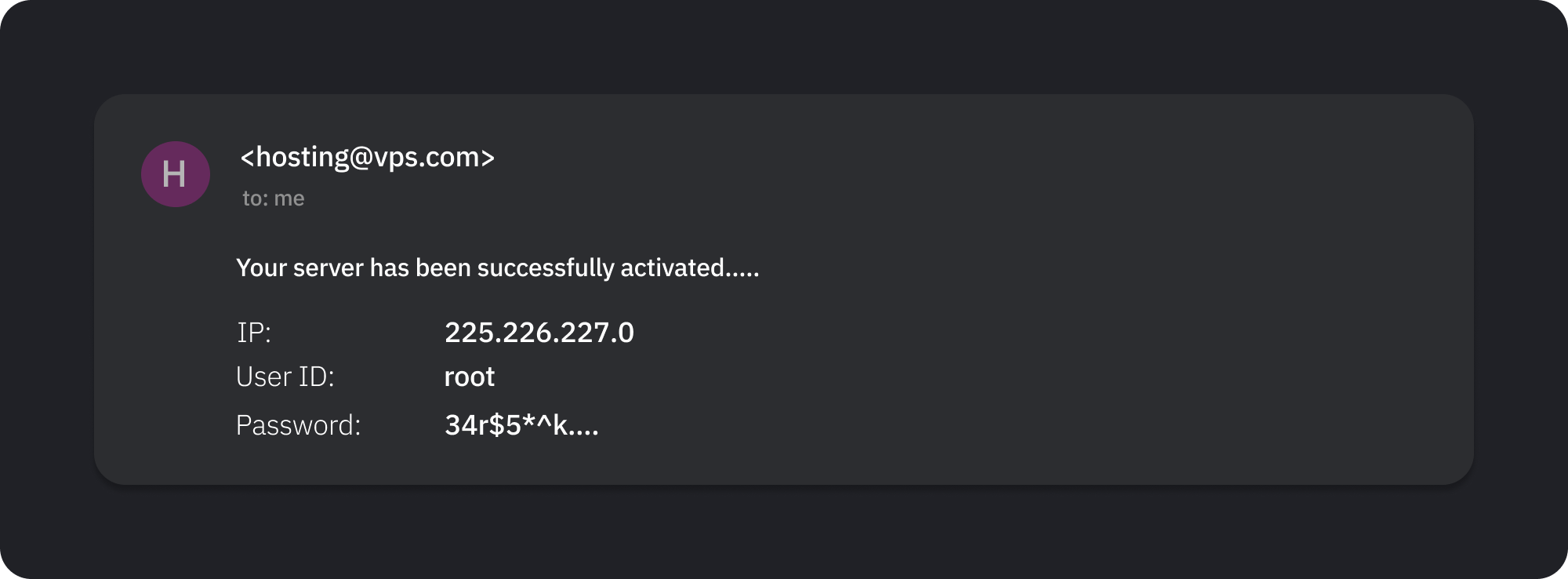
You will receive an email from the hosting provider
The email should include the IP address, User name or User ID, and Password. You will need these for setting up the VPN on the server in the next step.
3
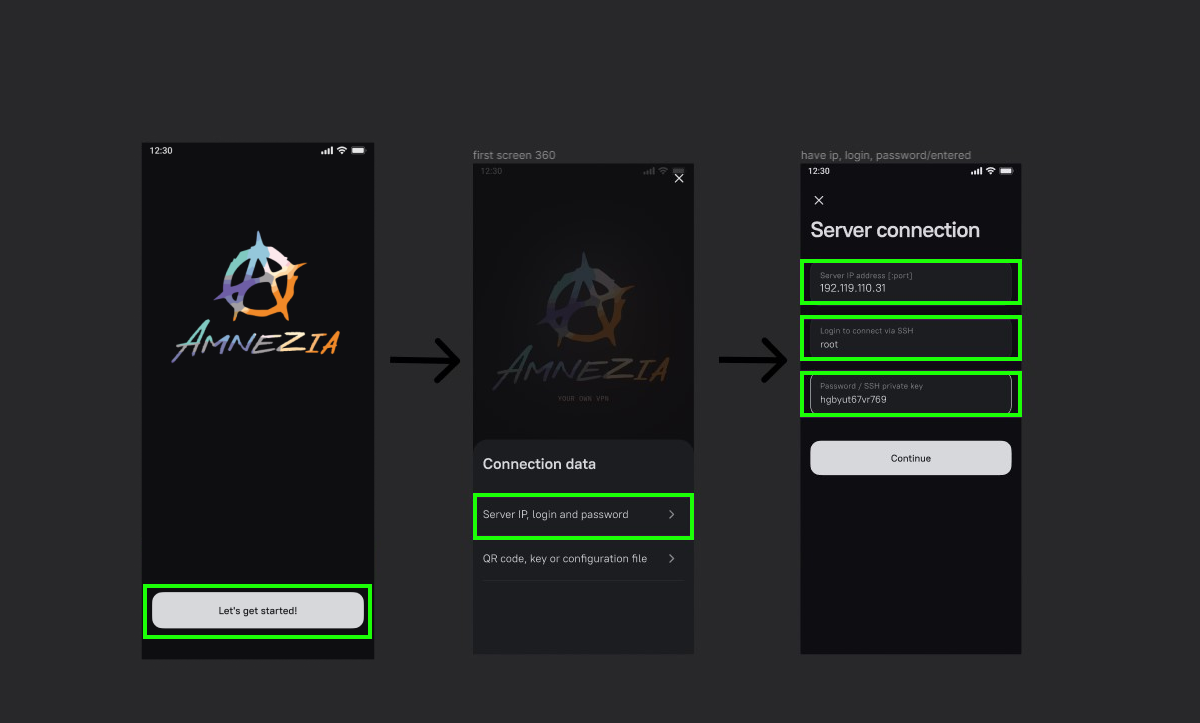
Download the AmneziaVPN app and enter the server details
After installation, launch the application.
On the first screen, select “I have connection details”, then “Self-hosted VPN”, and enter the data from the email sent by the hosting provider.
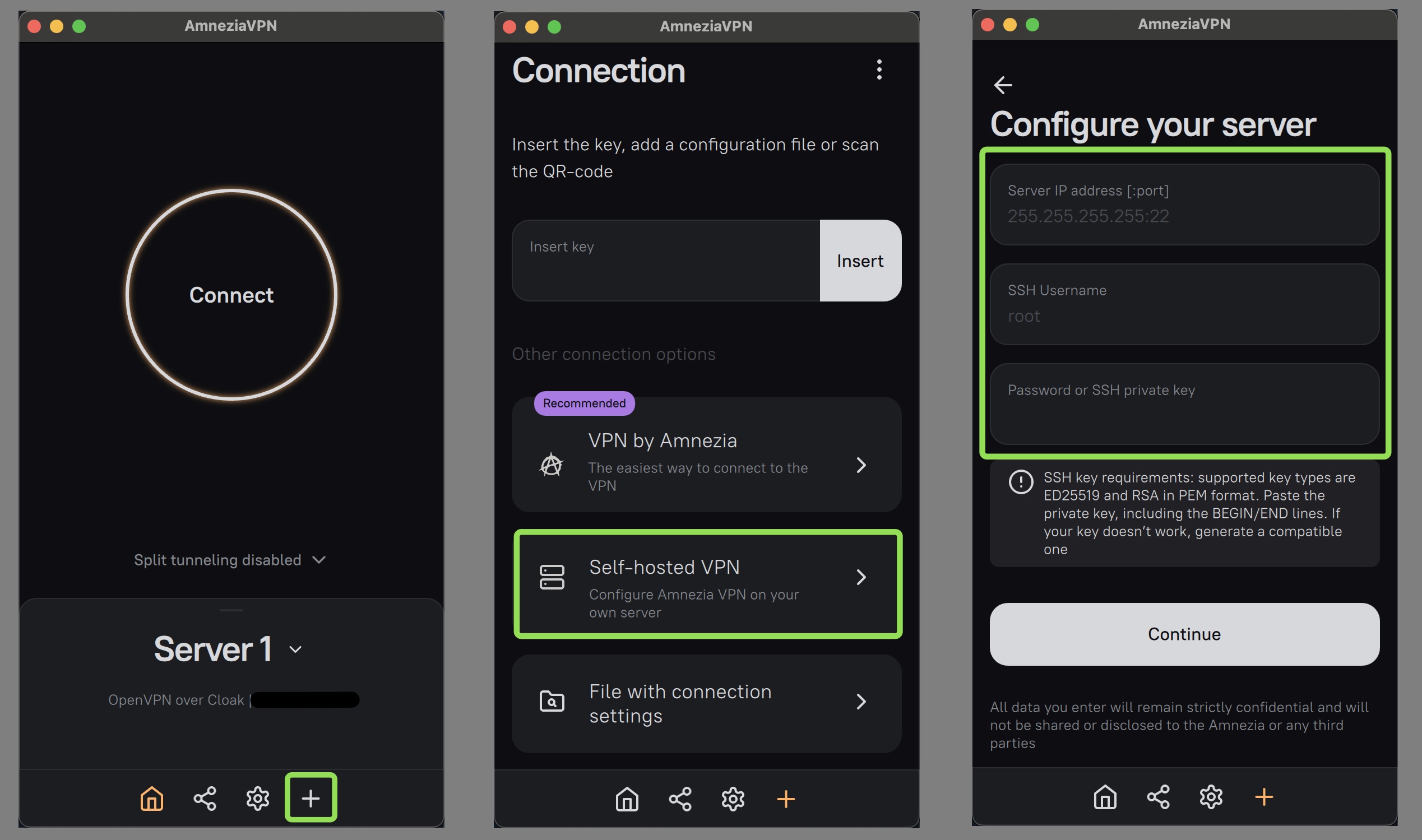
Press “Continue” and follow the prompts in the application.
You can find more information about connection methods and app functionality in our documentation.
Contact the bot or chat for help if something does not work